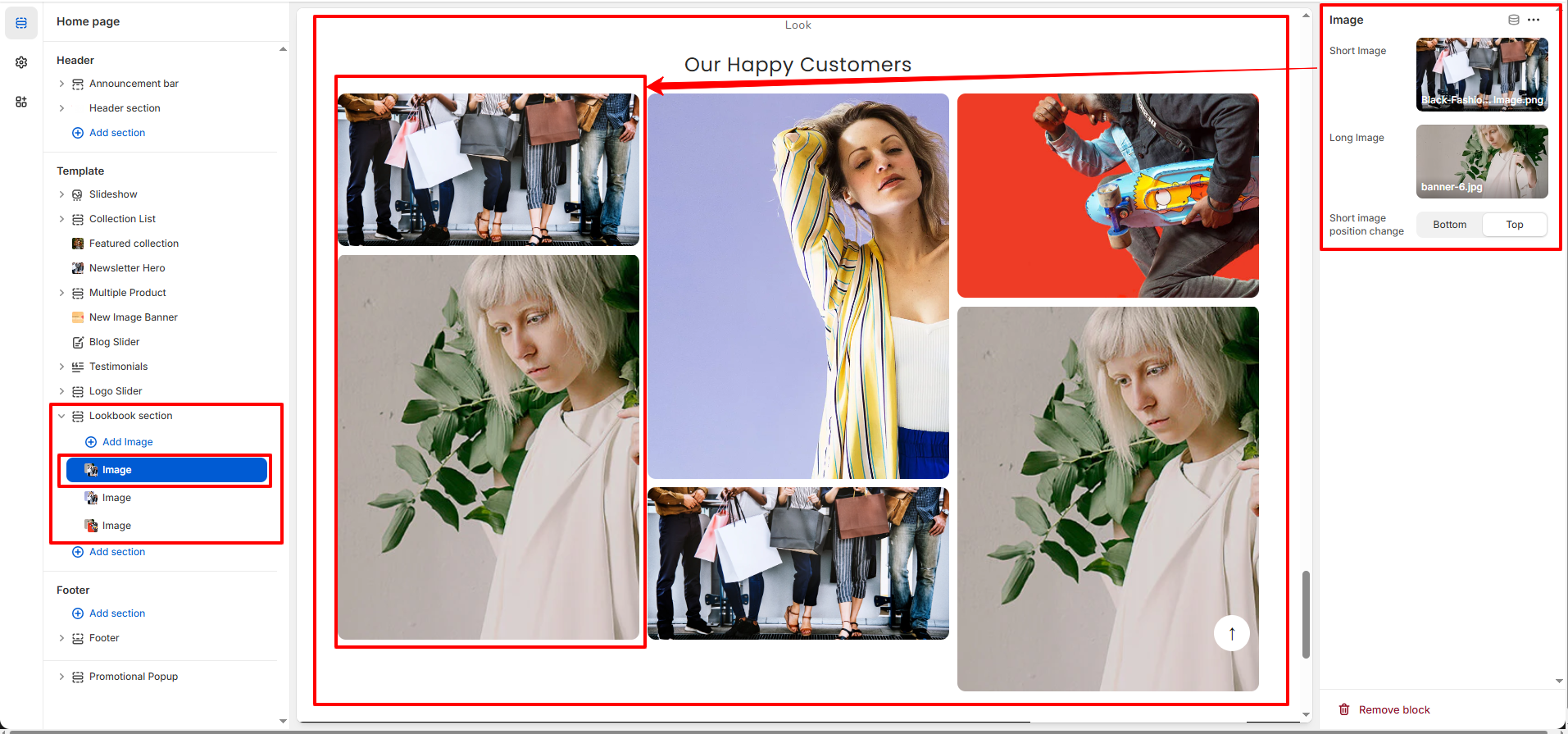
Look Book
The Look Book section allows you to showcase styled images in a modern masonry layout. This section is perfect for highlighting collections, fashion inspiration, lifestyle visuals, or brand storytelling in a visually engaging way.
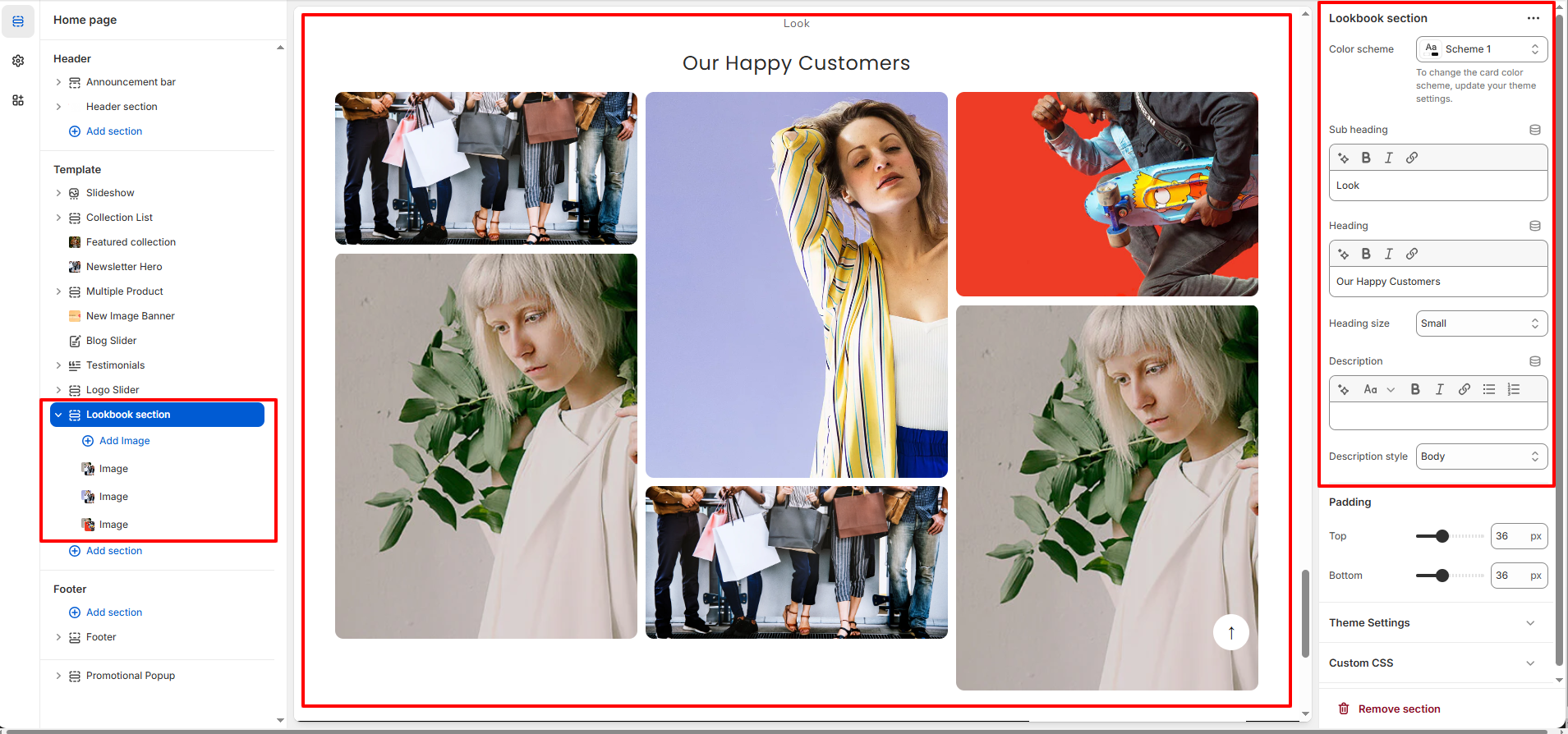
1. Look Book Section Settings
These settings apply to the entire Look Book section.
- Color Scheme: Select a predefined color scheme for the section background and text.
- Sub Heading: Add a small label above the main heading (e.g., Look, Inspiration, Gallery).
- Heading: Set the main title of the section (e.g., Our Happy Customers).
- Heading Size: Choose the size of the section title.
- Description: Add supporting text below the heading to describe the lookbook content.
- Description Style: Select the text style for the description (Body, Small, etc.).
- Padding Top: Adjust the spacing above the section.
- Padding Bottom: Adjust the spacing below the section.
- Custom CSS: Add custom styling for advanced customization if needed.
2. Block Settings (Image Block)
Each Image block allows you to upload and manage individual images inside the Look Book grid layout. You can add multiple image blocks and rearrange them to create your desired layout style.
- Short Image: Upload a standard-height image for the grid.
- Long Image: Upload a taller image to create a dynamic masonry effect.
- Image Position: Choose whether the short image appears at the top or bottom.