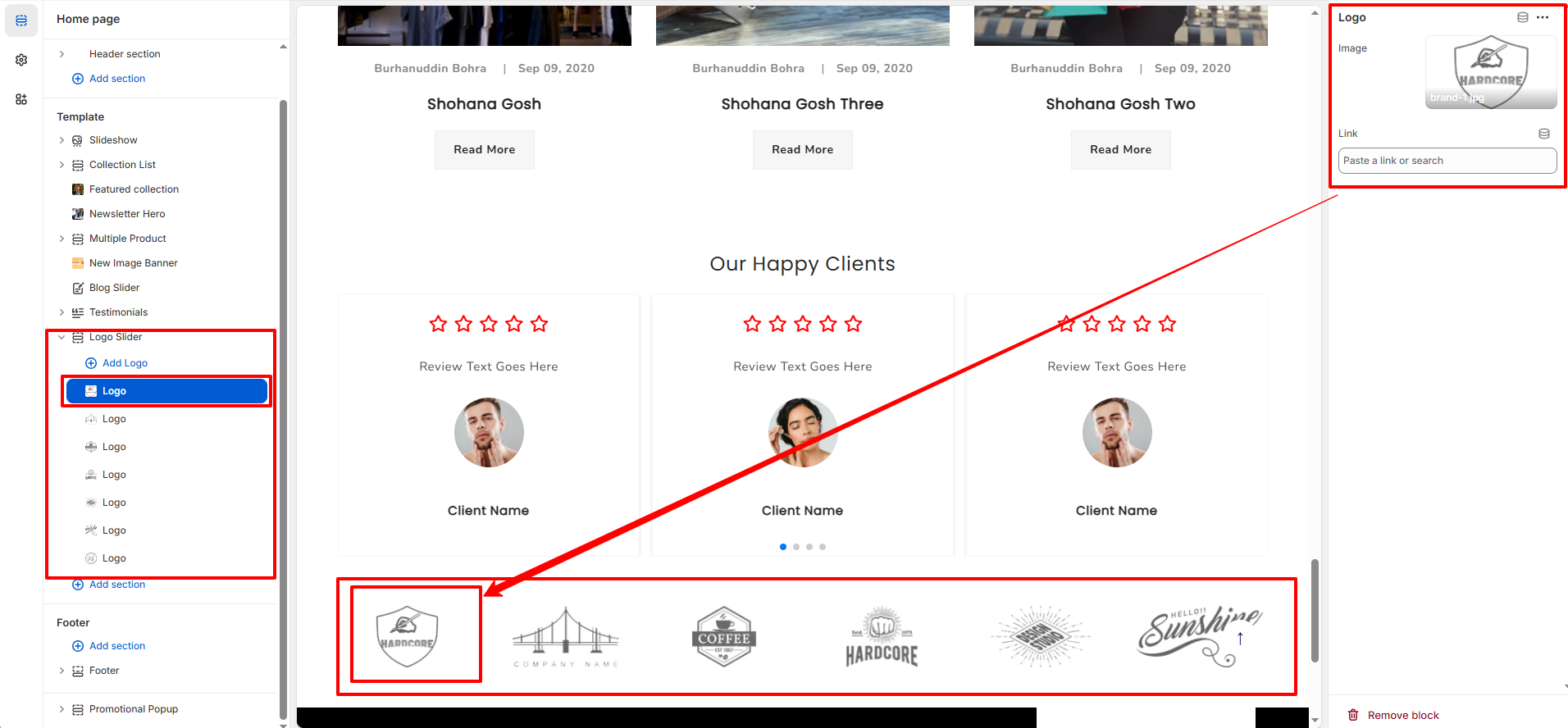
Logo Slider Section
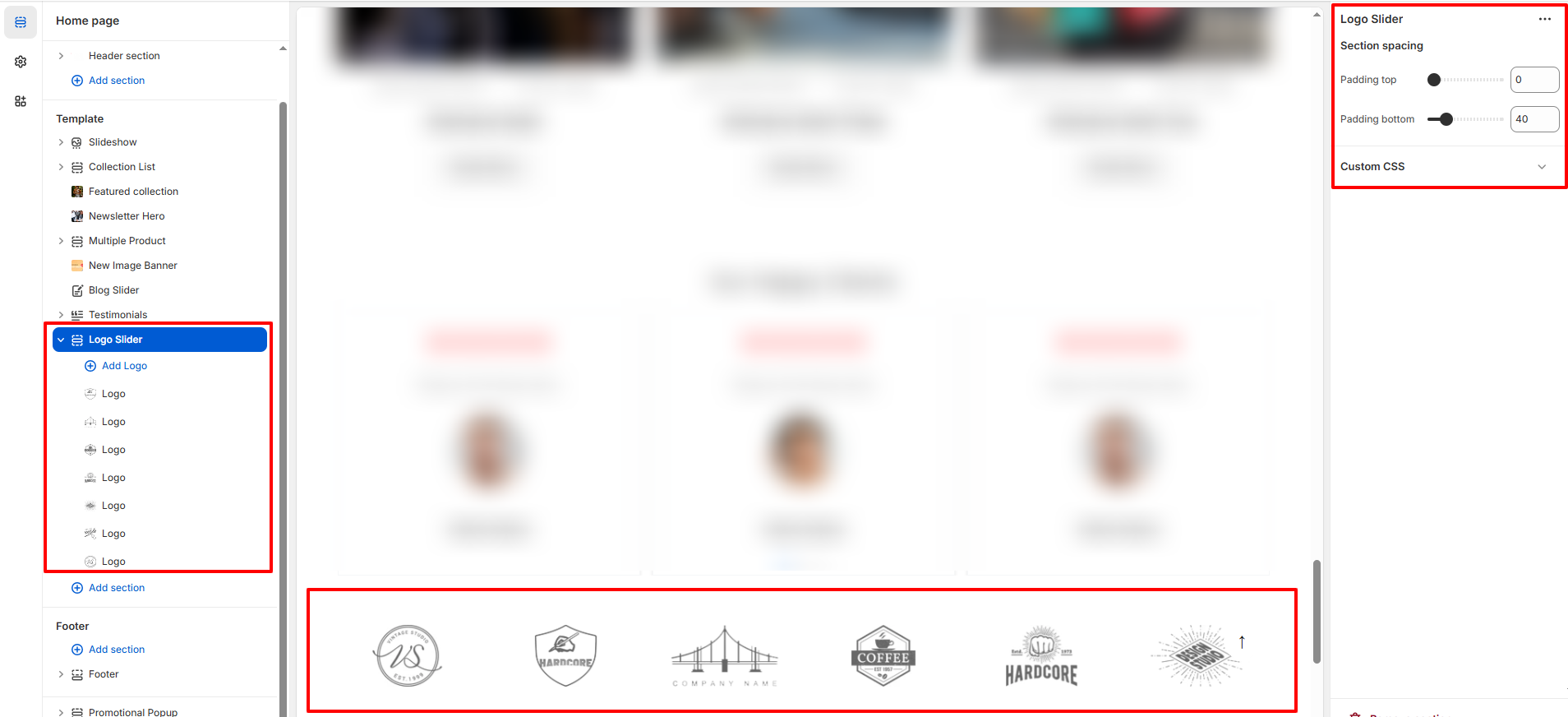
The Logo Slider section allows you to display brand logos, partner logos, or client logos in a clean horizontal slider layout. This section is ideal for building trust and showcasing collaborations or featured brands.
1. Logo Slider Section Settings
These settings apply to the entire Logo Slider section.
- Section Spacing: Control the overall vertical spacing of the section.
2. Logo Block Settings
Each Logo block represents a single logo inside the slider. You can add multiple logo blocks to display several brands in a scrolling layout.
- Add Logo: Click on Add Logo to insert a new logo block inside the Logo Slider section.
- Image: Upload the logo image you want to display. For best results, use transparent PNG or SVG files with equal height for consistent alignment.
- Link: Add a URL to make the logo clickable. This is commonly used to link to brand pages, collections, or external partner websites.
Tip: For a clean and professional look, use logos with similar dimensions and neutral colors. Avoid mixing very tall and very wide logos together.