
Video
The Video section allows you to display engaging video content on your store pages. You can upload a Shopify-hosted video or embed videos from platforms like YouTube or Vimeo. This section is ideal for product demonstrations, brand storytelling, or promotional content that helps customers understand your products better.
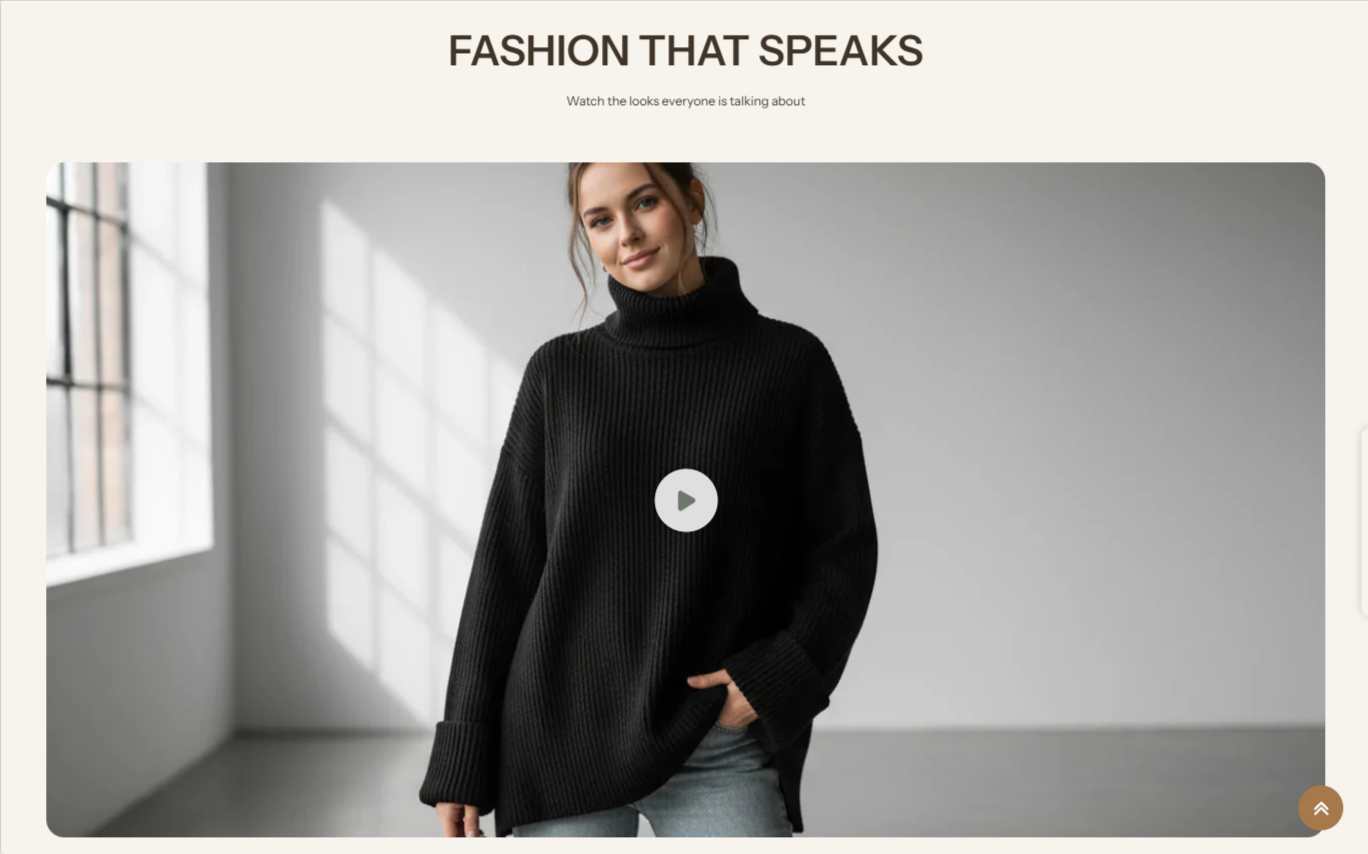
1. How to Add the Video Section
- Log in to your Shopify Admin.
- Go to Online Store >> Themes.
- Click Customize on the Emoll-Apario theme.
- Choose the page where you want to add the section.
- Click Add Section.
- Select Video from the list.
- Click Save to apply your changes.
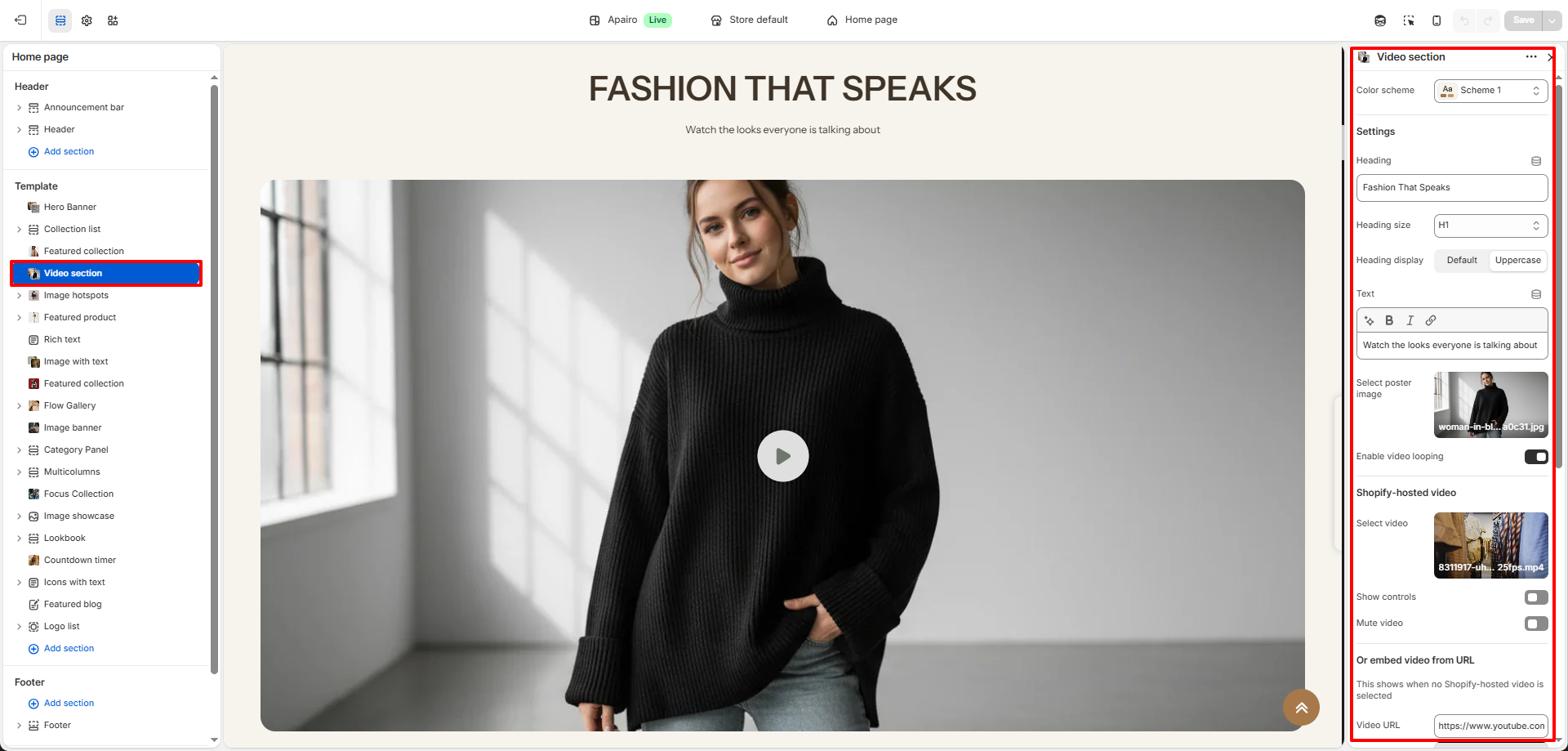
2. Video Section Settings
- Color Scheme: Select a color scheme to control the background and text colors used in the video section.
- Heading: Add a title to introduce the video section.
- Heading Size: Choose the size of the section heading. This helps control the visual hierarchy and match the heading with the overall store design.
- Heading Display: Select how the heading text should appear. You can keep the default formatting or display the heading in uppercase for a stronger visual emphasis.
- Text: Add a short description below the heading to explain the purpose of the video.
- Poster Image: Upload an image that will be displayed before the video starts or while it is loading.
- Enable Video Looping: Enable this option if you want the video to repeat automatically after finishing.
- Shopify Hosted Video: Upload or select a video stored in your Shopify files.
- Show Controls: Enable this option to display playback controls such as play, pause, and volume.
- Mute Video: Enable this option to play the video without sound.
- Embed Video from URL: Add a YouTube or Vimeo link to embed a video from an external source.
- Show Button: Enable this option to display a button below the video.
- Button Label: Enter the text that will appear on the button.
- Button Link: Choose the page or collection customers will be redirected to after clicking the button.
Pro Tips
- Use short videos (10'15 seconds) for faster loading and better engagement.
- Keep the video file size small to improve page speed.
- Add a poster image so the section looks clean before the video loads.
- Muted videos often perform better for background content.